100+ key terms every enterprise must master. From phishing to Zero Trust, find clear definitions, practical examples, and the context you need to protect yourself.
Discover how to apply these conceptsThe most critical definitions to protect your enterprise in 2026

Social engineering attacks that deceive users into revealing credentials or installing malware. Initiates 91% of successful breaches.
Malware that encrypts files and demands payment for decryption. Can paralyze entire organizations within hours.
Security model that verifies every user and device continuously, regardless of location. No implicit trust, ever.
Network security system that monitors and controls incoming/outgoing traffic based on predefined rules.
Any software designed to harm, exploit, or gain unauthorized access to systems. Umbrella term for viruses, trojans, ransomware, etc.
A weakness in software, hardware, or processes that attackers can exploit to gain access or cause harm.
Sophisticated, targeted attacks by organized groups. Often nation-state backed, designed for long-term network access.
Verification using 2+ methods (password + SMS, biometric, etc.). Dramatically increases account security.
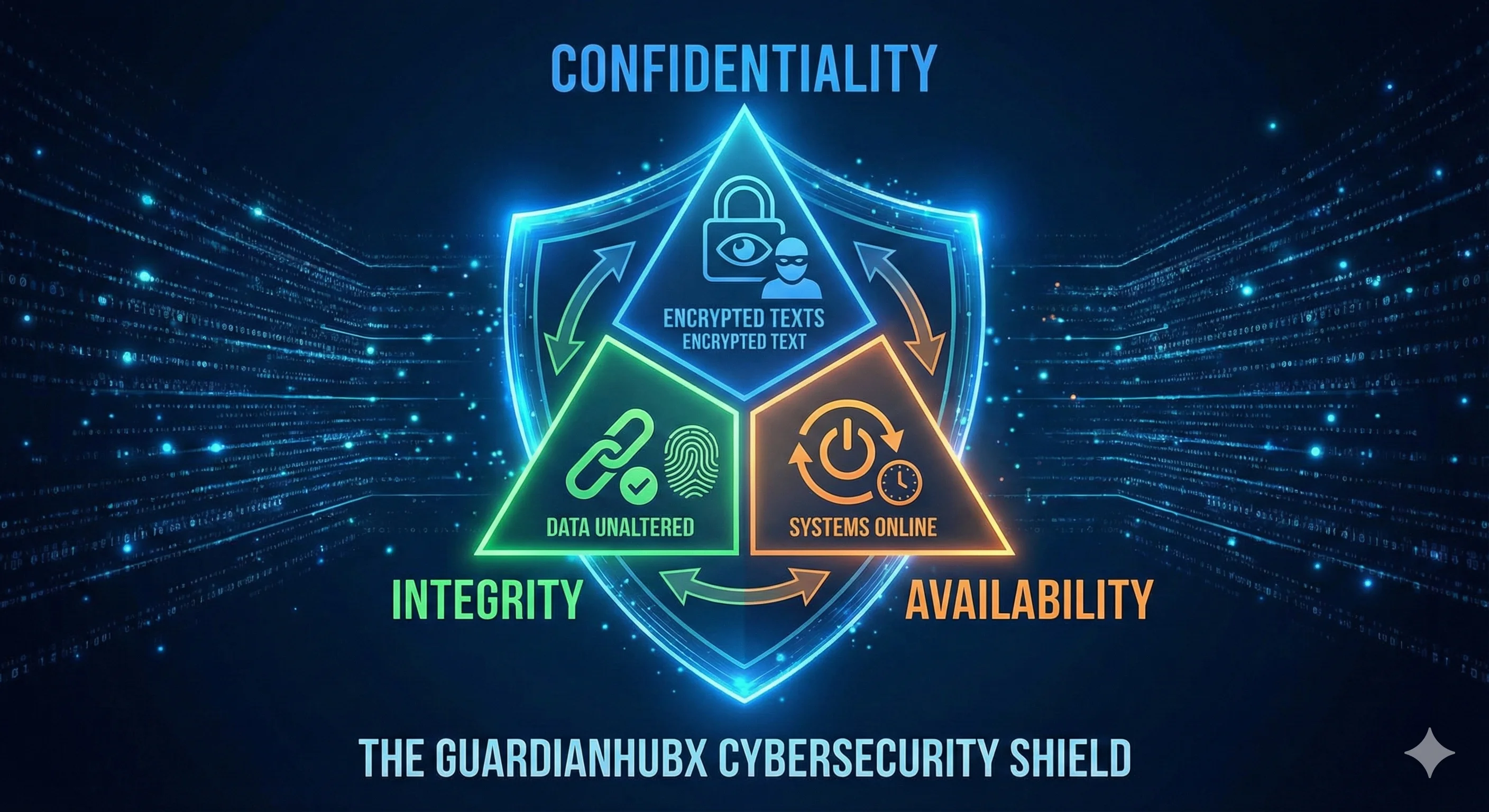
Converting data into code that can only be read with the correct key. Protects data at rest and in transit.
Encrypted tunnel for internet traffic, hiding user identity and location. Protects data from interception on public networks.
Distributed Denial of Service: overwhelming a system with traffic to make it unavailable to legitimate users.
Complete data copy stored separately. Your final safety net against ransomware, disasters, and data loss.
Planned procedures to detect, contain, and recover from security breaches. Speed mattersβpreparation prevents chaos.
Code or technique that takes advantage of a vulnerability. Attackers use exploits; defenders patch vulnerabilities.
Practice of protecting systems, networks, and data from digital attacks. It's both technology and human behavior.
Understanding terminology is understanding your risks
Directors and managers who speak the language of security evaluate solutions faster, allocate budgets smarter, and prioritize threats correctly.
When you understand terms like Zero Trust, MFA, and encryption, you can assess whether security vendors actually solve your problems.
During a breach, confusion in terminology costs time. Shared understanding lets your team respond with precision and speed.
100+ essential terms for 2026
Transform your security knowledge into protection
Contact us for a personalized demo or to resolve any questions about Cybersecurity Glossary: Your Complete Reference 2026.