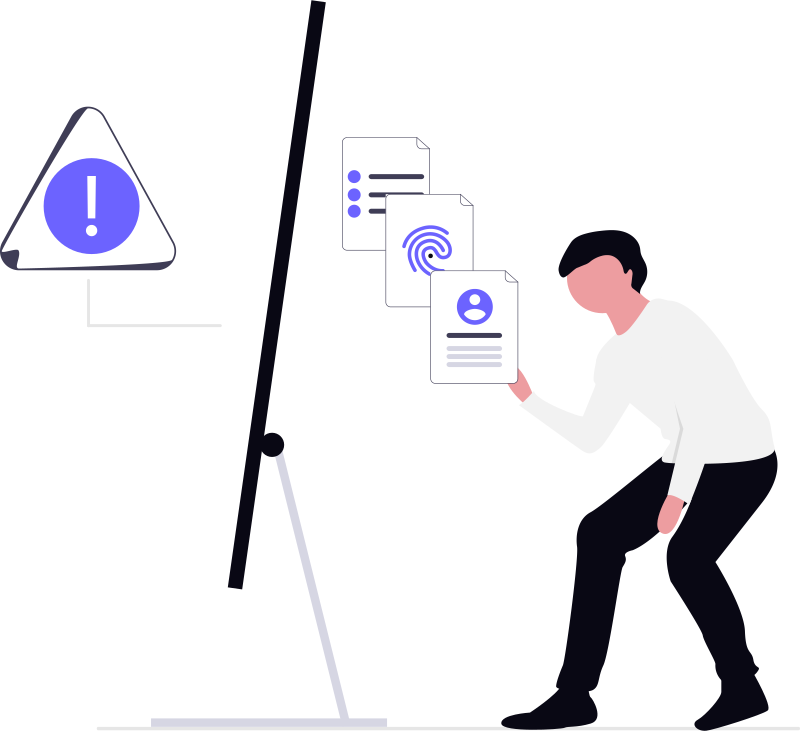
Phishing: What is it and how to avoid. The number one threat

Initiates 91% of successful attacks. Learn to identify fake emails, train your team, and create defenses that work.

Train Your Team Today
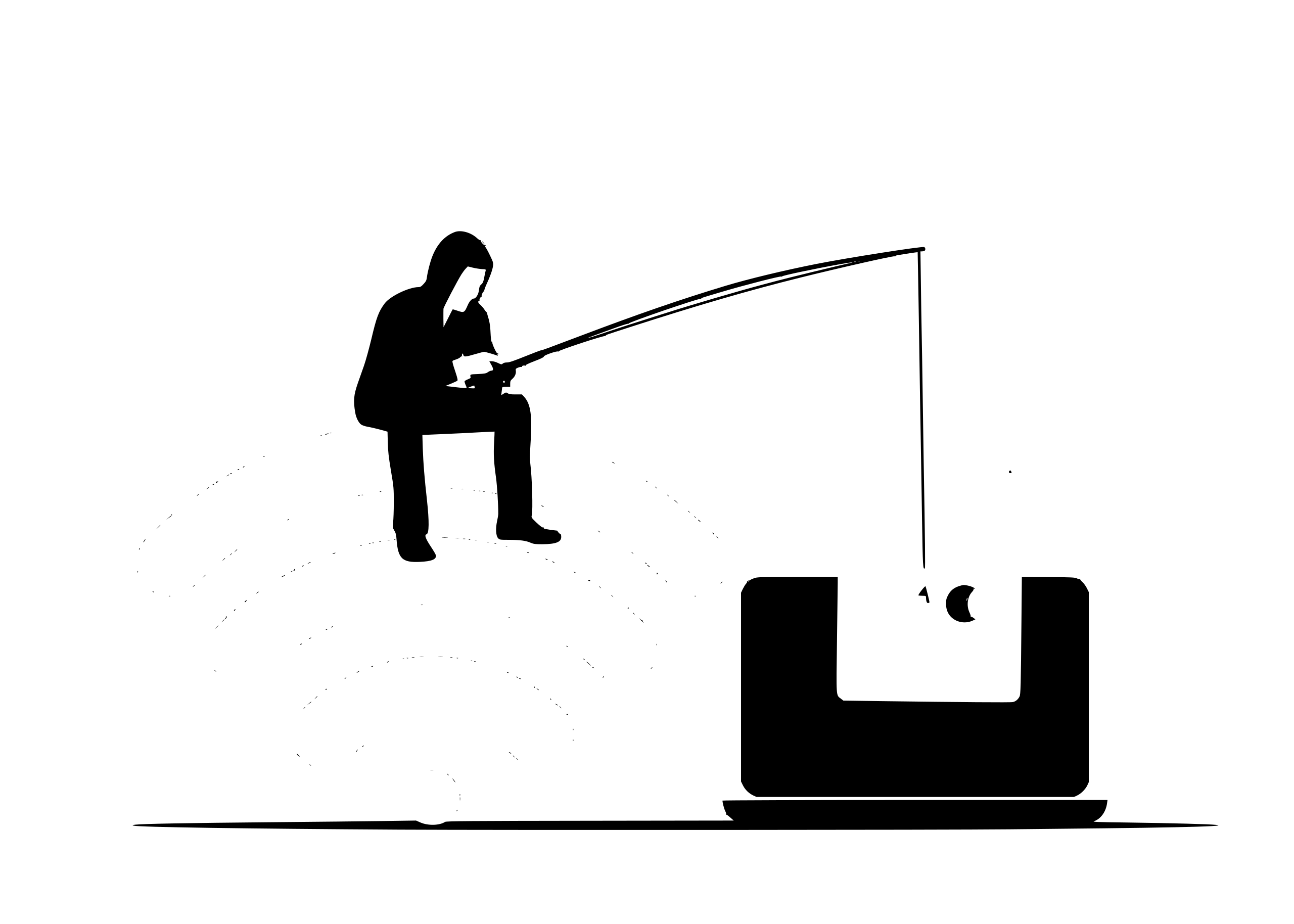
Illustration of phishing attack with fishing rod and WiFi

Key Data on Phishing in 2026

91%
of successful attacks begin with phishing as the entry vector
26%
increase in cybersecurity incidents in 2025 (majority related to phishing)
28%
of all professional security consultations are about how to avoid phishing

What is Phishing?

Phishing is a social engineering attack that impersonates legitimate entities (banks, companies, colleagues) to obtain confidential information or access to systems.

Attackers use emails that appear genuine, including logos, designs, and language identical to the original brand. They include malicious links or attachments that, if you click on them, compromise your device or steal your credentials.

The most dangerous thing about phishing is that it does not require technical vulnerabilities. It exploits human psychology: urgency, trust, fear, and authority. This is why it is the most effective entry point for ransomware, malware, and data theft.

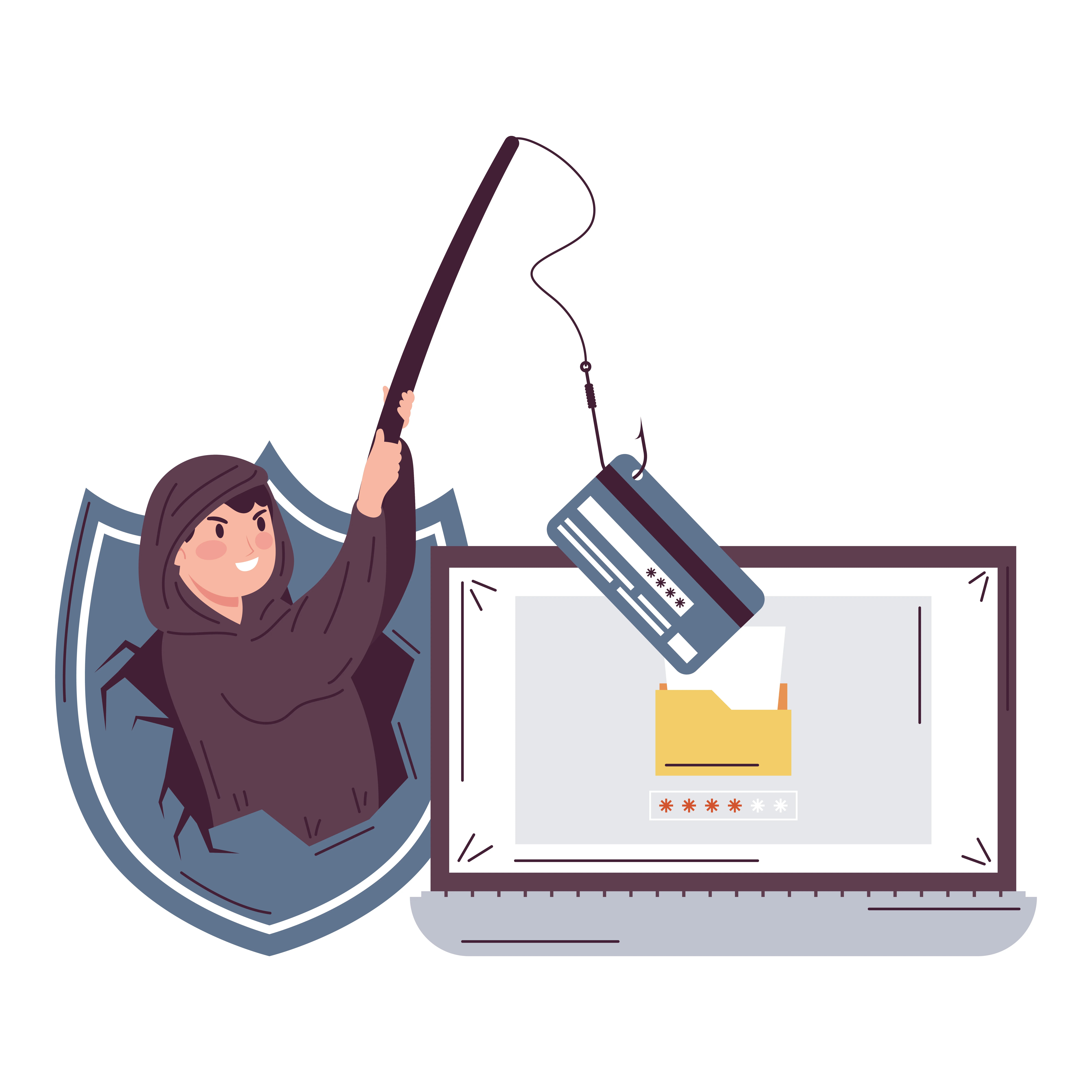
Illustration of data theft and phishing attack

Phishing Types: Know Your Enemy

Phishing is not just email. It constantly evolves, adapting to new channels and leveraging new technologies like AI and deepfakes.

Phishing

Bulk or targeted fake emails impersonating banks, companies, or popular services. The most common, representing 73% of all social engineering attacks.

Smishing

Attacks via SMS or messaging apps (WhatsApp, Telegram). Urgent messages redirecting to fraudulent sites to capture data or install malware on mobile devices.

Vishing

Phone calls where the attacker impersonates technical support, a bank, or authority. Generates more trust than emails. Now with 'voice cloning' to clone executives' voices.

Quishing

Malicious QR codes on posters, invoices, or emails redirecting to phishing sites. Bypasses PC filters as it goes directly to mobile devices without validation.

Spear Phishing

Personalized attacks targeting specific individuals after collecting detailed information (social media, positions, suppliers). Much more effective due to their precision.

Whale Phishing

A variant of spear phishing targeting exclusively senior executives and people with access to critical funds. The target is much more valuable, so the attack is more sophisticated.
CEO Fraud: The Most Costly Attack

CEO fraud (BEC - Business Email Compromise) is an attack targeting employees with payment access, where the attacker impersonates the CEO requesting urgent transfers.

Red flags for CEO Fraud:

  • Extreme urgency: "Make this transfer before 3 PM"
  • Confidentiality request: "Don't discuss this with anyone"
  • Alternative channel: Asks to continue via WhatsApp or personal phone
  • Bank account change: "The invoice comes from a new IBAN"
  • Cloud files: Google Drive with "urgent contracts"

In 2025, CEO Fraud represented losses of millions of euros across Europe. For small businesses, a single successful attack can be catastrophic, even irreversible.

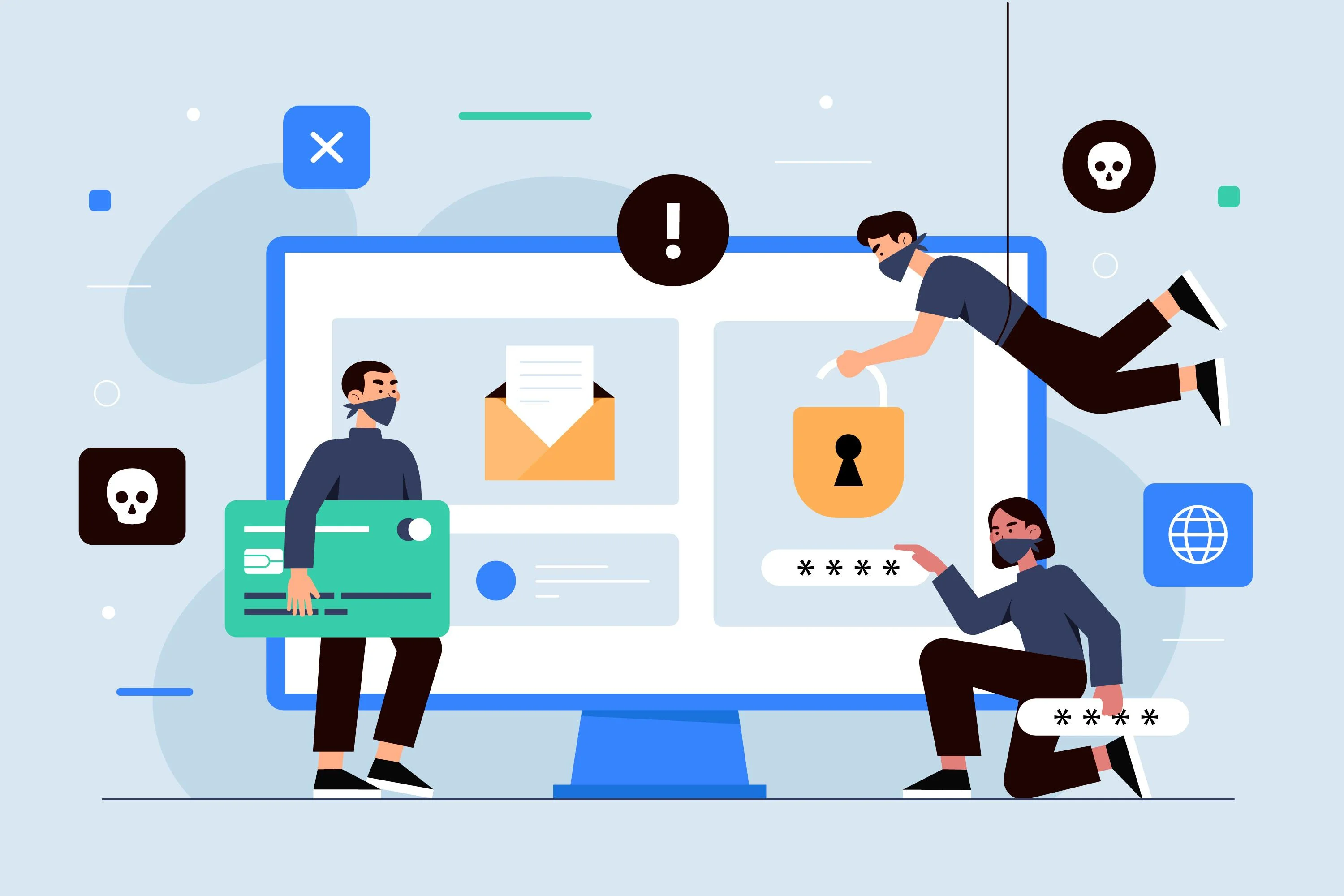
Defense against phishing attack and fraud

How to Identify a Phishing Email

Inspect the Sender
  • Slightly different email address (amz0n.com instead of amazon.com)
  • Generic domain (info@example.com instead of official domain)
  • Name that doesn't match the address
  • Verify by right-clicking → "View message details"
Analyze the Links
  • Shortened links (bit.ly, tinyurl.com)
  • URL that doesn't match the link text
  • NEVER click directly - hover your mouse first
  • If it's from your bank, access their website directly (not via the link)
Detect Urgency Language
  • "Confirm your account within 24 hours"
  • "Suspicious activity detected - ACT NOW"
  • "Your package couldn't be delivered - pay the fee"
  • Legitimate companies do NOT pressure you with urgency for data
Look for Signs of Low Quality
  • Grammatical or spelling errors
  • Pixelated or poorly formatted logos
  • Generic greeting "Dear customer" instead of your name
  • NOTE: Modern ones use AI and are nearly perfect - look for logic

The Best Defense: Training and Simulations

You cannot defend a company with technology alone. Phishing exploits the human factor, not technical failures.

Why do simulations work?

  • Measure real vulnerability without risk
  • Train your team in a practical way
  • Create a security culture
  • Generate "educational moments" when someone fails

Organizations that implement simulations reduce their phishing click rate from 50% to less than 10% in 6 months.

Implement Simulations Today
Training program and defense against phishing threats

Seasonal Threats: Holidays and Special Campaigns

Holiday periods and high commercial activity are the perfect "breeding ground" for mass phishing campaigns.

False Shipping Notifications

SMS or emails impersonating shipping companies: "Your package couldn't be delivered - pay 2€ for processing". They redirect to fraudulent sites to steal card data.

Malicious Electronic Greeting Cards

Digital greeting cards with infected links. Clicking "to view the card" downloads malware that compromises your device and data.

Phantom Stores and Fake Offers

Websites imitating major brands offering unrealistic discounts. They charge your card and disappear, leaving you without the product and with compromised data.

Deceptive "Holiday" Apps

Apps that promise festive frames or fun filters but request permissions to access contacts, location, and private files.

Tips for a Cyber-Safe Holiday

Avoid public Wi-Fi for online shopping, don't click on SMS links, download apps only from official stores, verify URLs before paying, and use multi-factor authentication on important accounts.
Technical Defenses: Beyond Training

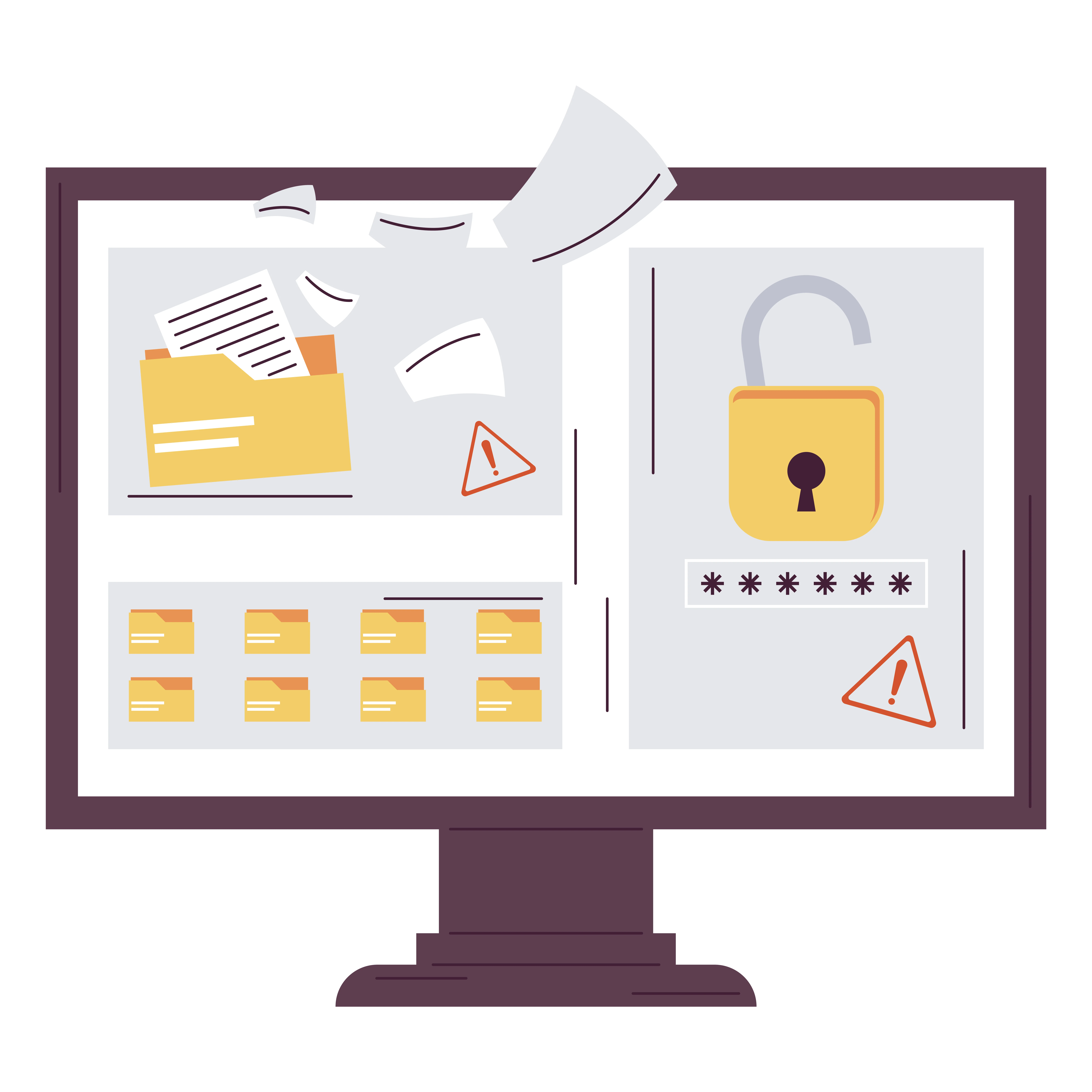
Layers of defense: credentials, security, multi-factor authentication
  • Multi-Factor Authentication (MFA): The most effective measure. Even if the attacker steals your password, they cannot access it without the second factor.
  • Advanced Email Filtering: Tools that detect identity impersonation (spoofing) and similar domains. Many phishing emails never reach your inbox.
  • Constant Updates: Keep systems, browsers, and applications updated. Phishing attacks often seek to exploit known vulnerabilities.
  • Double Control for Payments: Requires authorization from two independent people for transfers. Prevents hierarchical pressure from compromising funds.
  • Change Alerts: Notifications when critical information is modified (IBAN, emails, access permissions).
Explore Our Solutions

Fell for an Attack? Act Fast with I.C.E.R.

Quick response minimizes damage. Follow these 4 steps:

IDENTIFY

Determine what information was compromised: passwords? bank data? corporate files? What was the entry vector?

CONTAIN

Block immediate access, disconnect infected devices, alert your bank if financial data is at risk, change critical passwords.

ERADICATE

Remove malware, revoke compromised access tokens, thoroughly clean devices with specialized security tools.

RECOVER

Restore systems from verified backups, change all passwords, document the incident to improve future controls.

Official Help in Spain

If you suffer a phishing attack or online fraud, report to INCIBE.es by calling 017 (citizen helpline). They will manage the incident and provide you with specialized guidance.

Is Your Team Protected Against Phishing?

Implement training and simulations. Measure your real vulnerability. Create a security culture that works.

Know your organization's cybersecurity status

Free report Complete the questionnaire in under 2 minutes
Take the test

Ready to improve your digital security?

Contact us for a personalized demo or to resolve any questions about Phishing: What is it and how to avoid. The number one threat of 2026.

Sending

Get in Touch

Frequently Asked Questions

Phishing is an attack that impersonates legitimate entities (banks, companies, colleagues) through fraudulent emails, messages, or phone calls to obtain confidential information such as passwords, bank data, or access to systems. It is the most common entry vector for cyberattacks, initiating 91% of successful attacks.

Phishing uses email, smishing uses SMS/mobile messaging, and vishing uses phone calls. All share the same objective: manipulating through social engineering. Vishing is particularly effective because voice generates more trust than email, especially when using technology to clone a superior’s voice.

CEO fraud (BEC - Business Email Compromise) is an attack targeting employees with payment access, impersonating the CEO. The attacker requests an urgent transfer leveraging hierarchical pressure. It is dangerous because it causes direct and immediate financial losses, often unrecoverable. In 2025, millions of euros were stolen across Europe using this technique.

Look for red flags: extreme urgency, confidentiality requests, suspicious links, grammatical errors, slightly different email addresses, password requests, unexpected attachments. Verify sender details, hover your cursor over links without clicking, and when in doubt, contact the company directly by phone.

Because phishing exploits the human factor, not technical vulnerabilities. The most advanced antivirus won’t detect a malicious link if you click on it. Training and simulations convert your team into the first line of defense, teaching them to recognize red flags and create a security culture.

A phishing simulation is the controlled sending of fraudulent emails to measure your team’s vulnerability without real risk. If an employee falls for it, they receive an ’educational moment’ explaining what they should have noticed. It is the most effective tool for training the human factor in a practical way.

Act quickly following the I.C.E.R. model: Identify what information was compromised, Contain by blocking access to accounts, Eradicate malware, Recover from backups. Notify your IT team, change passwords immediately, alert your bank if financial data is compromised, and report the incident to INCIBE (017).